


TrustCheck – Check Before You Trust
Protect yourself from online scams, suspicious messages, fake job offers, fraudulent sellers, and questionable payment requests with TrustCheck.
In today's digital world, online scams are becoming increasingly sophisticated. A suspicious WhatsApp message, an unbelievable job offer, a fake rental listing, or an unfamiliar payment request could put your money and personal information at risk.
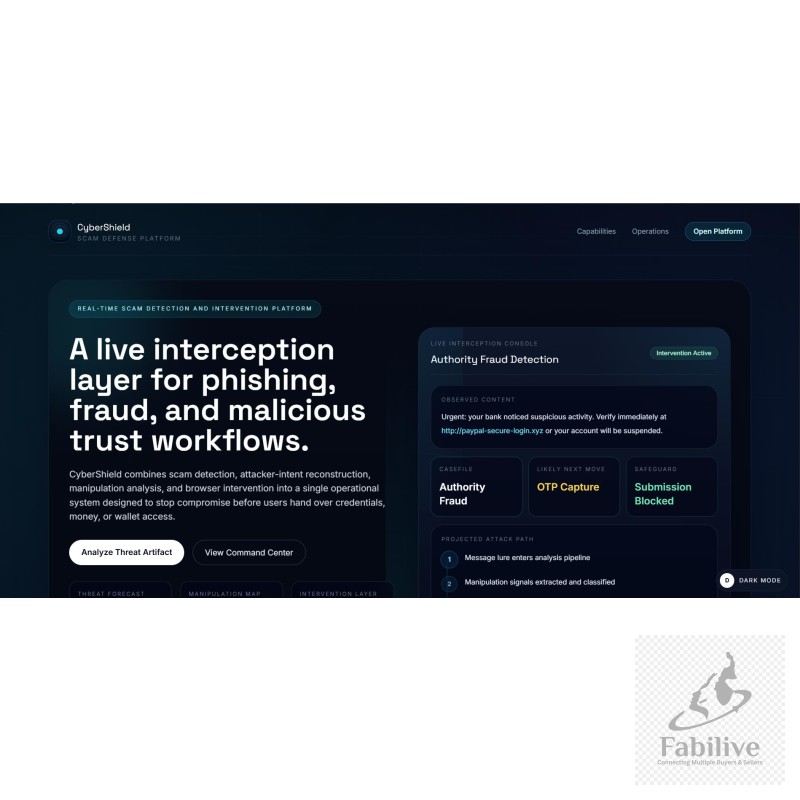
TrustCheck is an interactive scam detection tool designed to help you identify potential warning signs before you click, pay, respond, or share sensitive information.
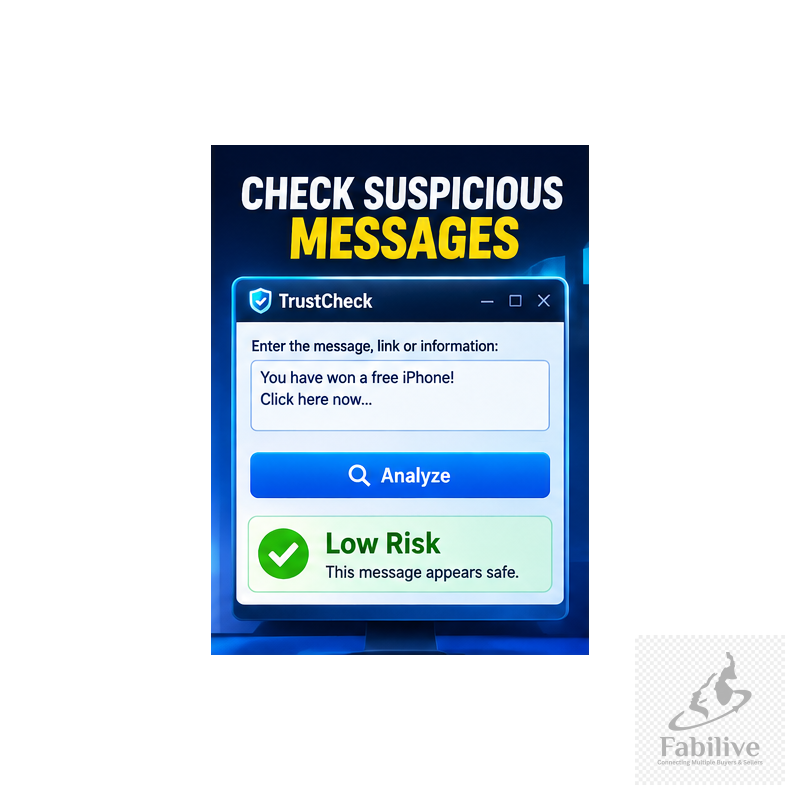
Simply open the application in your web browser, enter the suspicious message or information you want to check, and let TrustCheck analyze it.
What Can You Check?
TrustCheck helps you examine suspicious information across multiple categories:
- SMS & Text Messages: Check suspicious text messages and unexpected communications.
- WhatsApp & Telegram: Examine suspicious messages received through messaging platforms.
- Emails: Identify potentially fraudulent emails and suspicious requests.
- Website Links: Examine questionable website addresses.
- Job Offers: Check suspicious recruitment messages and employment opportunities.
- Online Sellers: Evaluate warning signs in online marketplace listings.
- Rental Listings: Examine suspicious accommodation advertisements and landlord messages.
- Payment Requests: Review questionable invoices and payment demands.
- Phone Numbers & Email Addresses: Examine contact information for potential warning signs.
Powerful Features
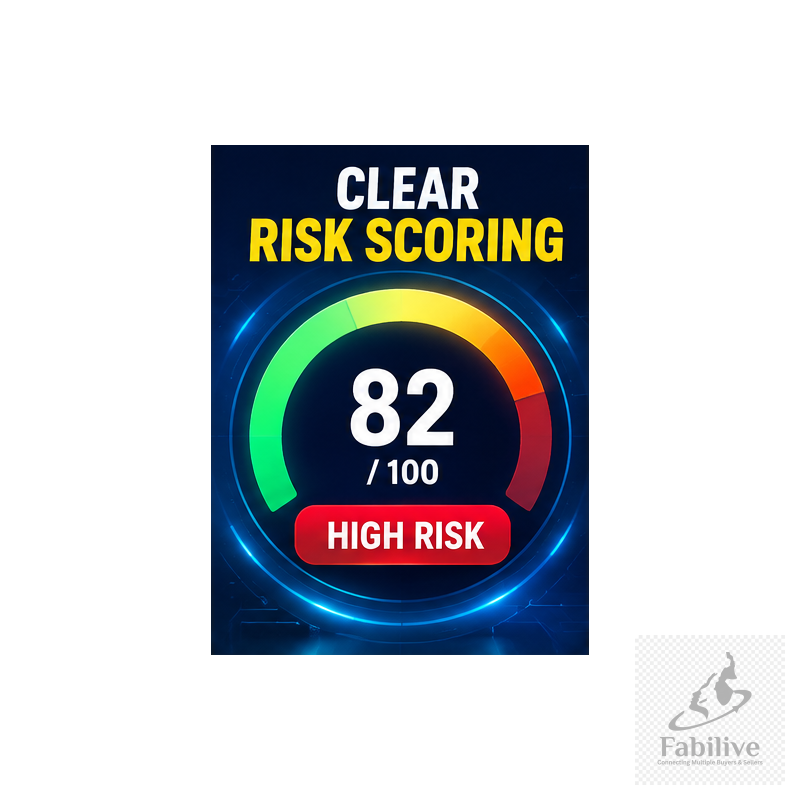
1. Scam Risk Scoring
Receive a risk score from 0–100, accompanied by a risk classification to help you understand the potential level of concern.
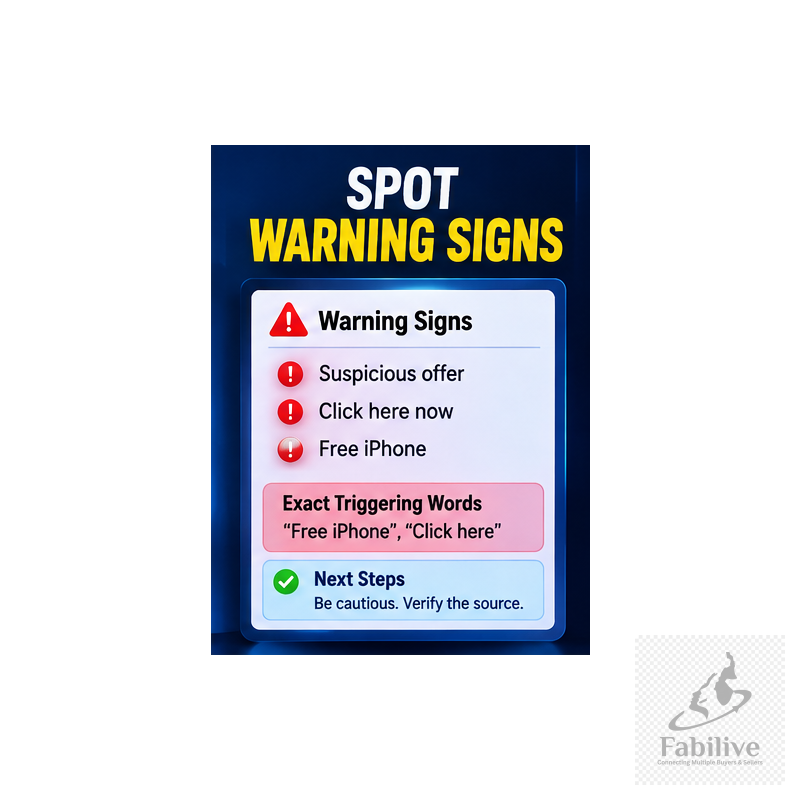
2. Warning Sign Detection
Discover suspicious phrases, patterns, and other indicators that may suggest fraudulent activity.
3. Evidence-Based Explanations
See the warning signs identified, including the exact words or phrases that triggered them.
4. Recommended Next Steps
Get practical guidance on what to do after reviewing a suspicious message or request.
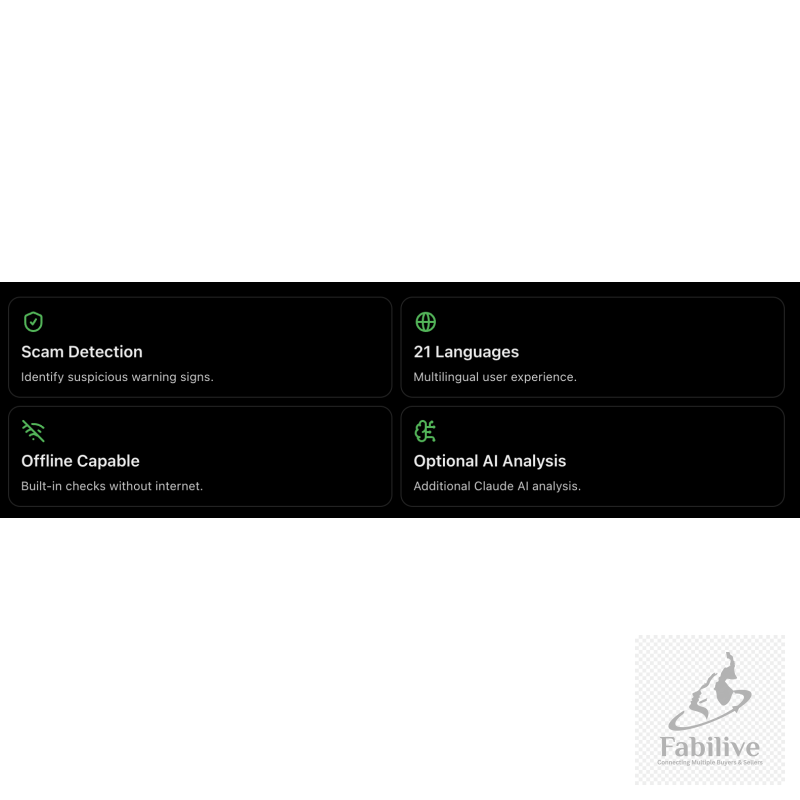
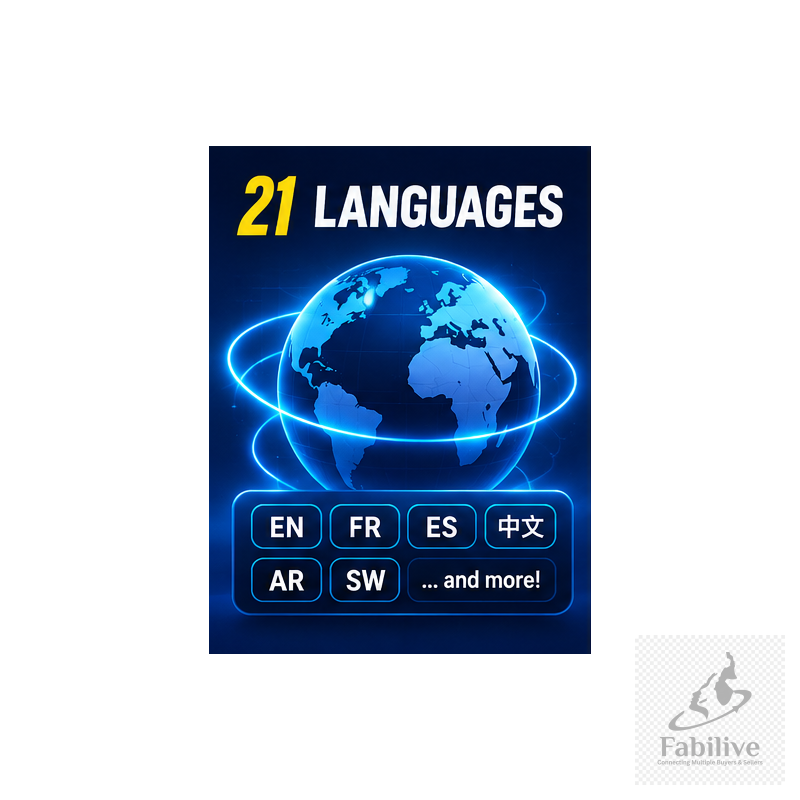
5. 21 Language Support
Use TrustCheck in your preferred language:
English, French, Spanish, Tagalog, Portuguese, Chinese, Arabic, Hindi, German, Japanese, Russian, Korean, Italian, Indonesian, Urdu, Swahili, Nigerian Pidgin, Cameroon Pidgin, Yoruba, Igbo, and Hausa.
Arabic and Urdu also support right-to-left display.
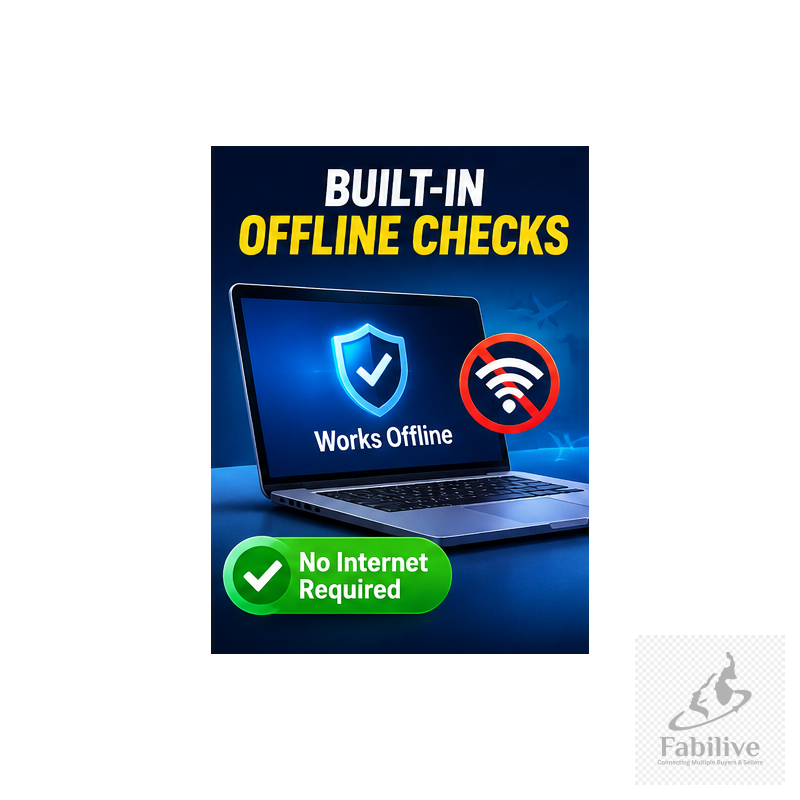
6. Offline Scam Detection
TrustCheck includes built-in scam detection rules that run locally on your computer.
You can perform checks without an internet connection, create an account, or upload your information to an external server.
7. Optional AI-Powered Analysis
Connect your own Claude AI API key to enable additional AI-powered language analysis for text checks.
This provides an additional layer of analysis and explanations in your selected language.
An internet connection and your own Anthropic API key are required. API usage is billed separately by Anthropic.
8. Check History
Keep a record of previous checks in your browser, export your history for backup, or import it when moving to another computer.
9. Save Results as PDF
Print or save individual analysis results as PDF documents for future reference.
What Will You Receive?
Your purchase includes:
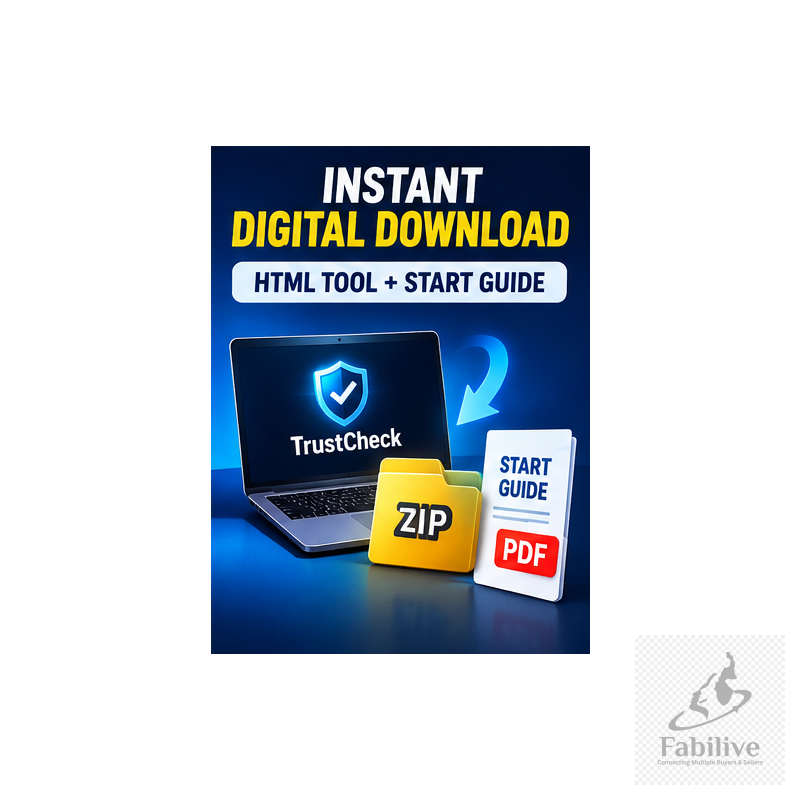
- TrustCheck interactive HTML application.
- START HERE installation and user guide.
- Built-in scam detection functionality.
- 21 supported languages.
- Offline checking capability.
- Optional Claude AI integration instructions.
- Check history, export and import functionality.
- PDF result-saving functionality.
How It Works
Step 1: Purchase and download TrustCheck.
Step 2: Extract the downloaded ZIP file on your computer.
Step 3: Double-click TrustCheck.html to open the application in your web browser.
Step 4: Enter the suspicious message, link, job offer, payment request, or other information you want to examine.
Step 5: Review your risk score, detected warning signs, explanations, and recommended next steps.
No complicated installation is required.
System Requirements
- Windows, macOS, or Linux computer.
- Chrome, Edge, Firefox, Brave, or Safari browser.
- Internet connection is optional for built-in offline checks.
- Claude API key and internet connection for optional AI analysis.
Who Is TrustCheck For?
TrustCheck is useful for:
- Individuals who shop online.
- Freelancers and remote workers.
- Online business owners.
- Job seekers.
- Online marketplace buyers and sellers.
- People who regularly receive messages from unknown contacts.
- Anyone who wants to become more aware of potential online scams.
Important Disclaimer
TrustCheck is an educational and informational scam-risk assessment tool. Its results identify potential warning signs and do not establish proof of fraud, criminal activity, or the legitimacy of any person, business, website, or transaction.
A low risk score does not guarantee safety, and a high score does not prove criminal activity. Always verify important information through official channels before making payments or sharing personal information.
Never enter passwords, PINs, verification codes, or full payment card numbers.
Get TrustCheck Today
Don't wait until you become a victim of an online scam.
Make more informed decisions, recognize suspicious warning signs, and take an extra step to protect yourself online.
TrustCheck – Check Before You Trust.
Brought to you by Digital Toolboxes.
No Review Found.
Seller's Product













Login To Comment