
How to Back Up Your Phone and Computer: Backup Guide (PDF), Excel Backup Tracker and Interactive Guide for iPhone, Android, Windows and Mac
30,522CFA XAF
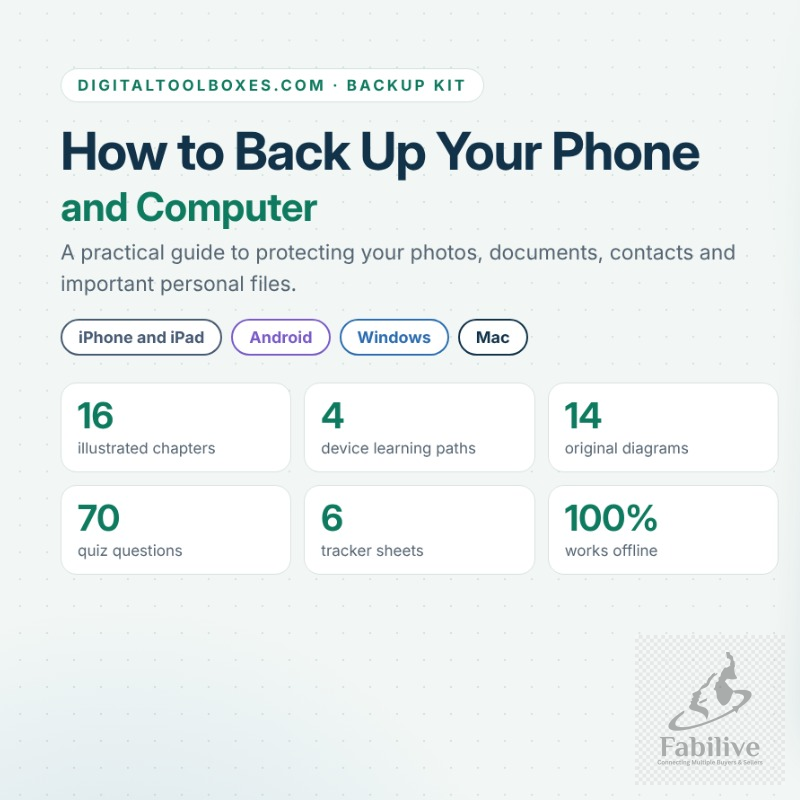
Protect your photos, documents, contacts and important files before something goes wrong. This beginner-friendly kit shows you, step by step, how to back up your devices, check that the backup worked, and restore your files when you need them.
What’s included
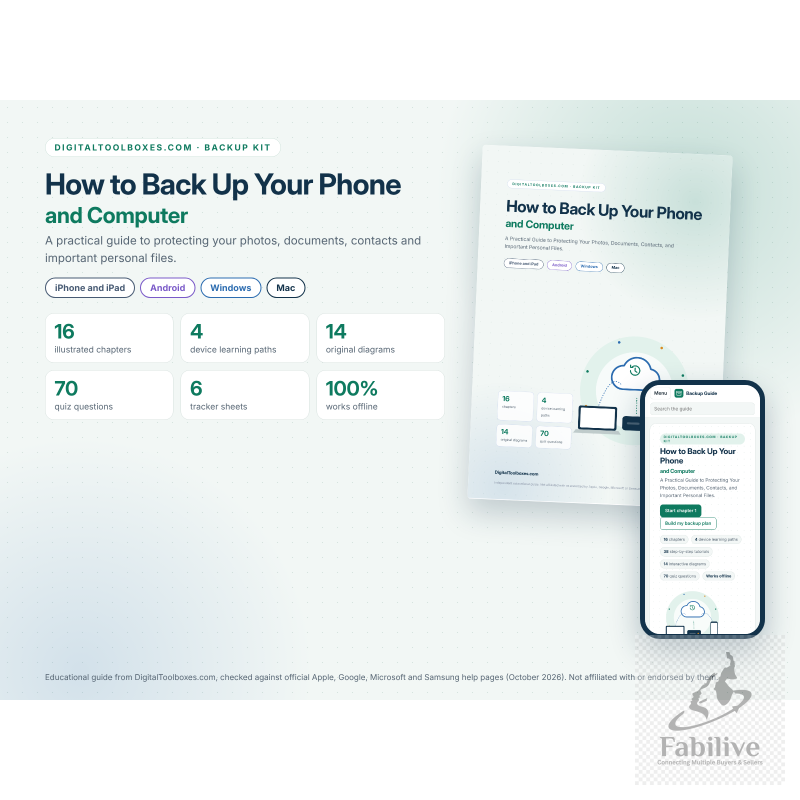
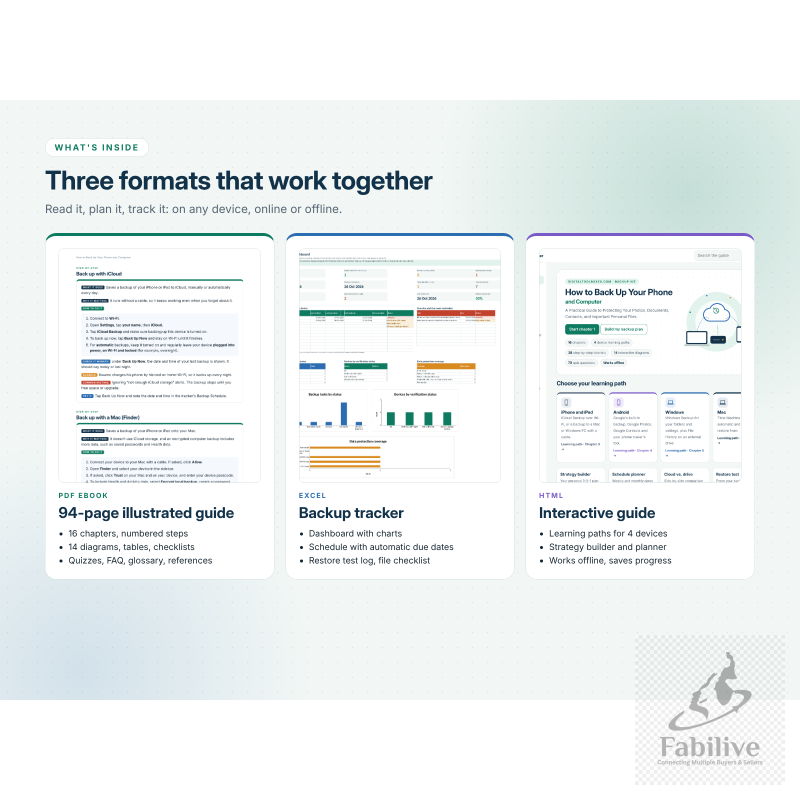
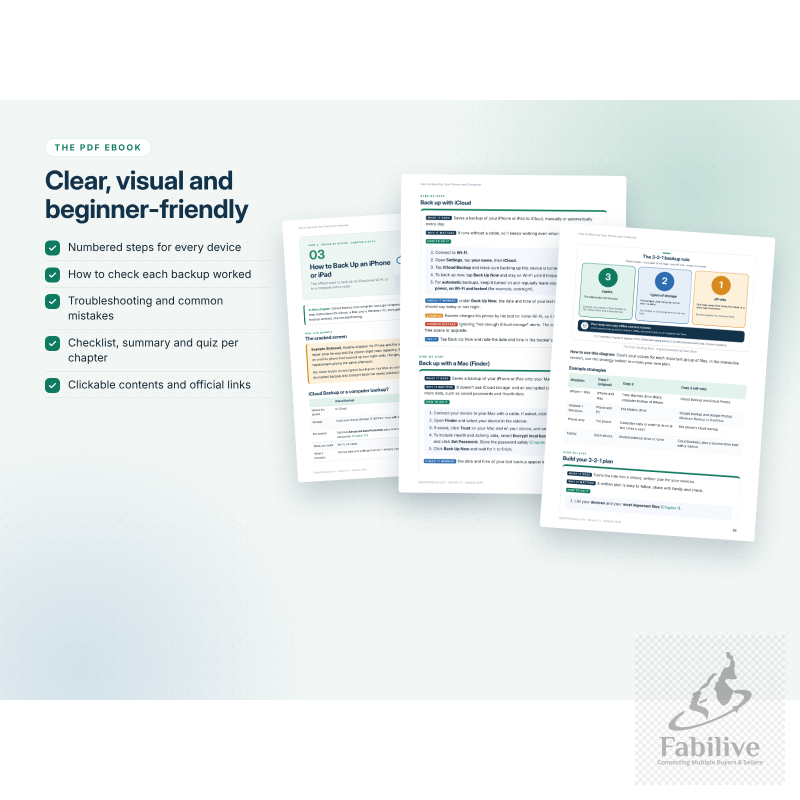
- PDF ebook (93 pages):
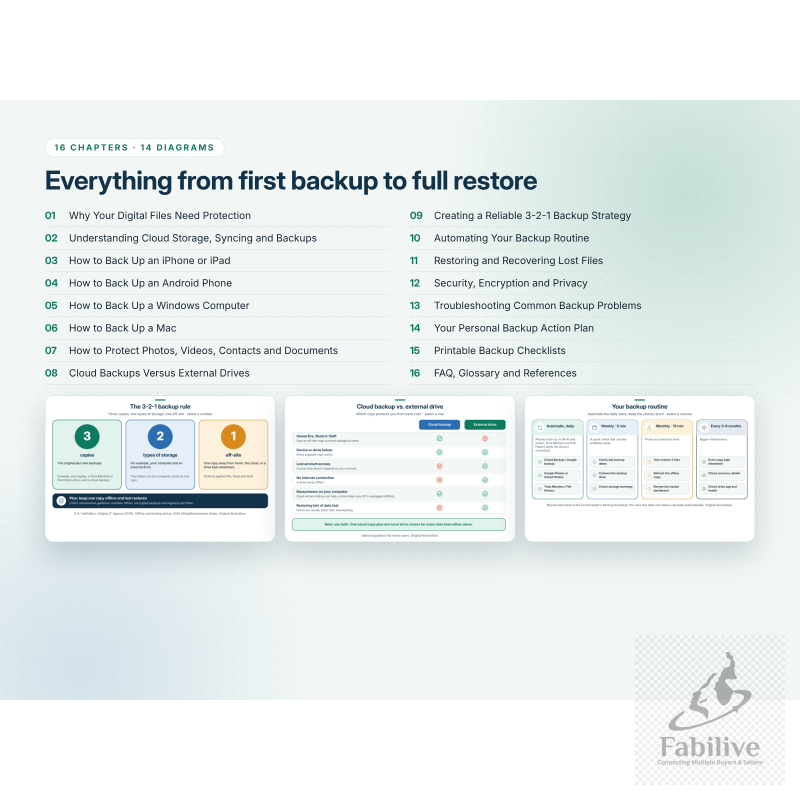
- 16 illustrated chapters that explain the difference between syncing, cloud storage and real backups.
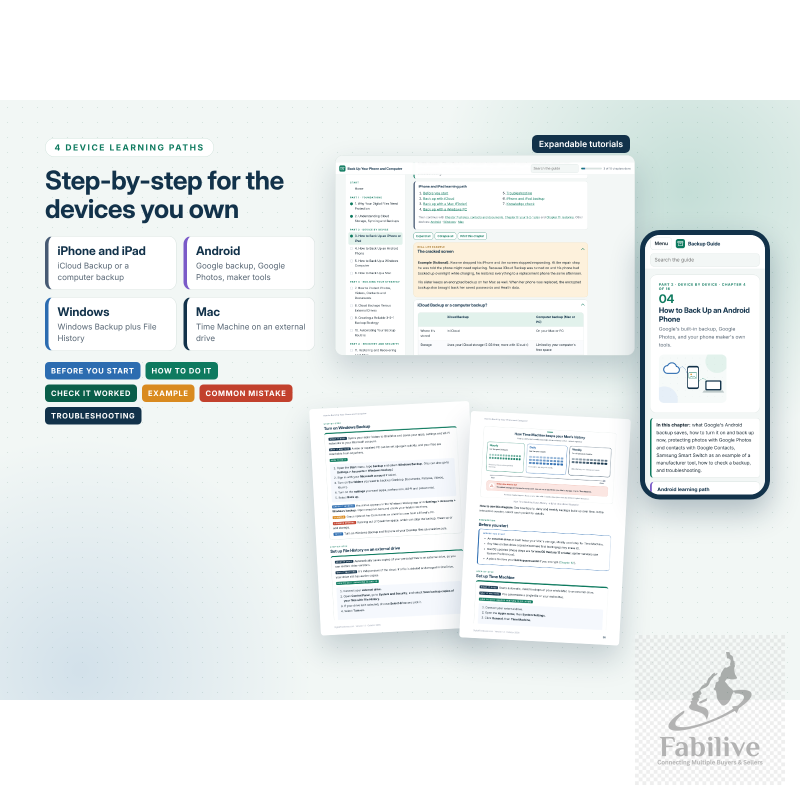
- Separate step-by-step chapters for iPhone and iPad, Android, Windows and Mac. Each covers what you need first, numbered steps, how to confirm the backup worked, common mistakes and troubleshooting.
- 14 original diagrams, comparison tables and 70 quiz questions with an answer key.
- 8 printable checklists, an FAQ, a glossary and links to official help pages.
- Excel Backup Tracker (6 sheets):
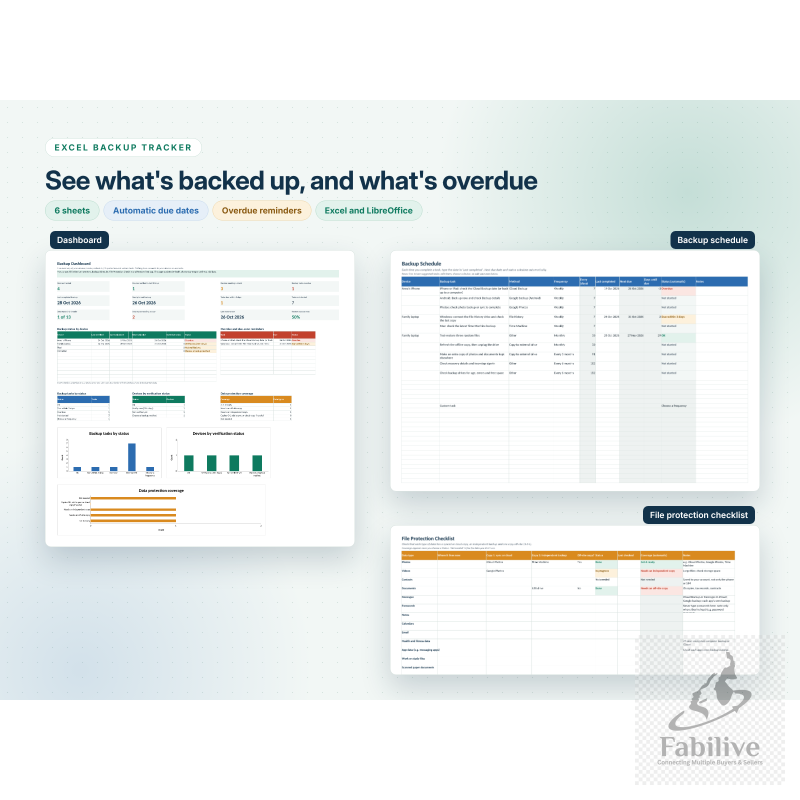
- A dashboard with charts and overdue reminders.
- A device inventory and a backup schedule that calculates your next due dates automatically.
- A file protection checklist and a restore test log.
- A quick reference sheet.
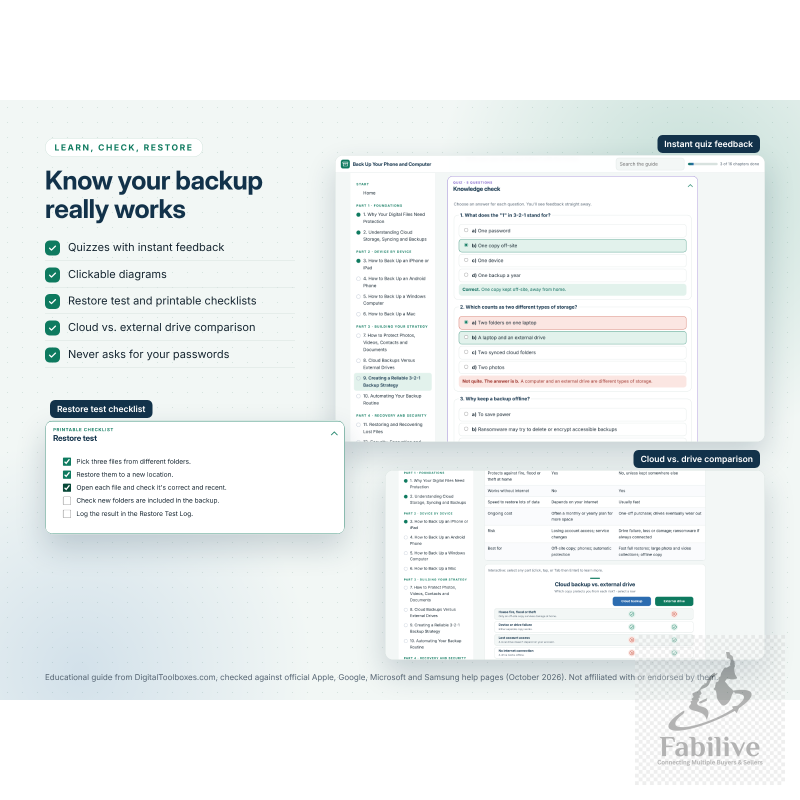
- Works in Microsoft Excel and LibreOffice. It never asks for passwords.
- Interactive HTML guide:
- Works offline in any browser, on a computer, tablet or phone.
- Learning paths for each device, with expandable tutorials.
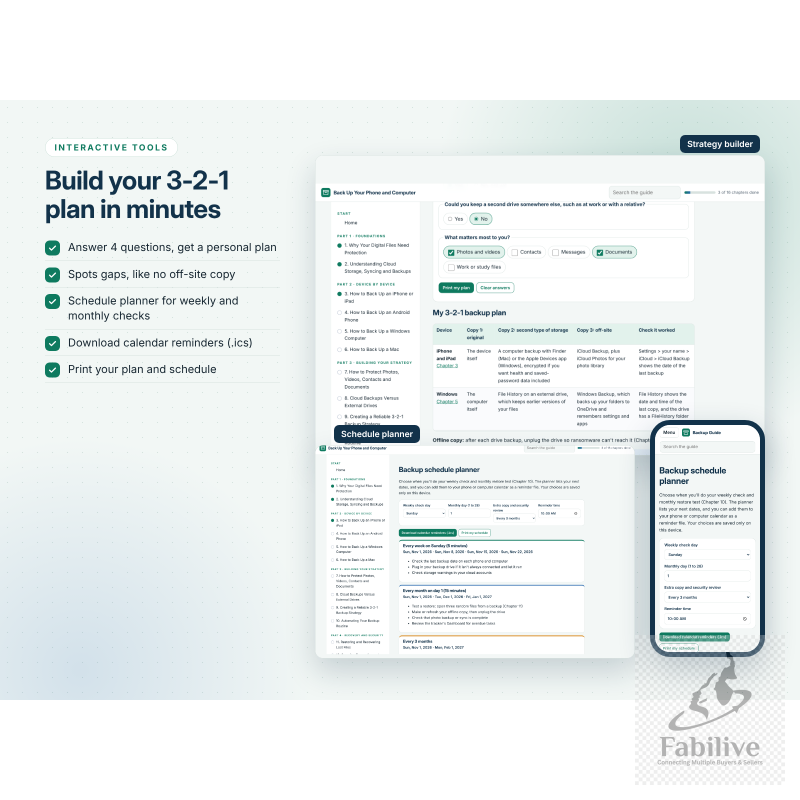
- A 3-2-1 backup strategy builder and a schedule planner that can download calendar reminders.
- Quizzes with instant feedback, interactive checklists, and a cloud-versus-external-drive comparison.
- README with simple instructions for every file.
You’ll learn how to
- Turn on automatic backups on each of your devices.
- Keep an independent copy on an external drive.
- Follow the 3-2-1 backup rule.
- Build a 5-minute weekly and 15-minute monthly routine.
- Test that your files can actually be restored.
- Protect your backups from ransomware, phishing and theft.
Good for: beginners, families, seniors, students, home offices and anyone who has ever thought “I really should back up my phone.”
Instant digital download. You get one ZIP file containing the PDF, the XLSX, the HTML file and the README. No physical item will be shipped.
Please note: this is an independent educational guide from DigitalToolboxes.com. It is not affiliated with or endorsed by Apple, Google, Microsoft or Samsung. Instructions were checked against official help pages in October 2026, but menus and features vary by device, software version and account, and no backup or recovery can be guaranteed.
No Review Found.







Login To Comment