
Cloud Storage Made Simple – Google Drive, iCloud & OneDrive Beginner’s Guide | Ebook, Excel Tracker & Interactive Checklists
24,760CFA XAF
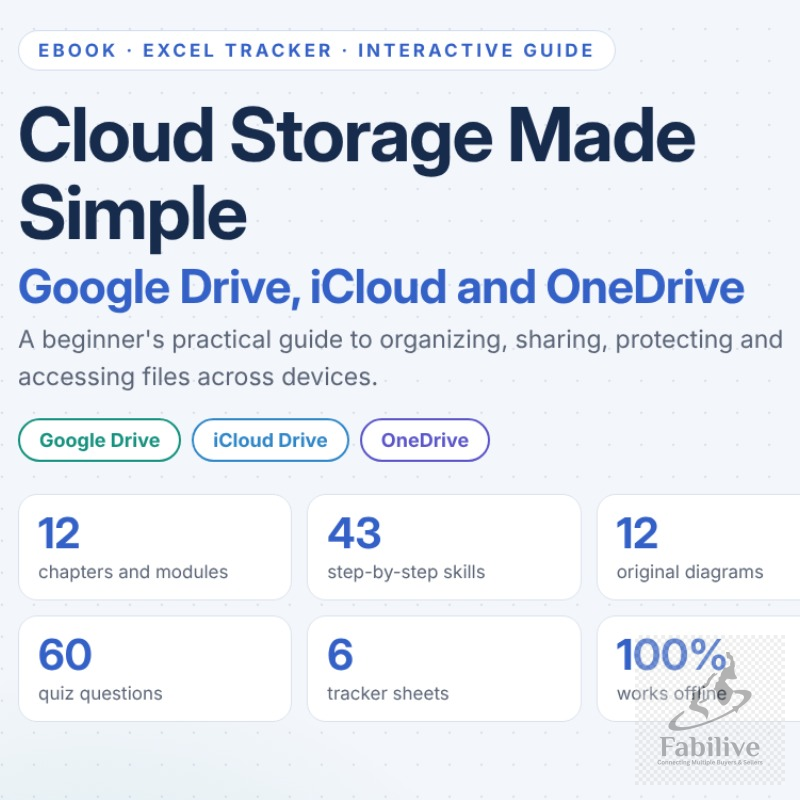
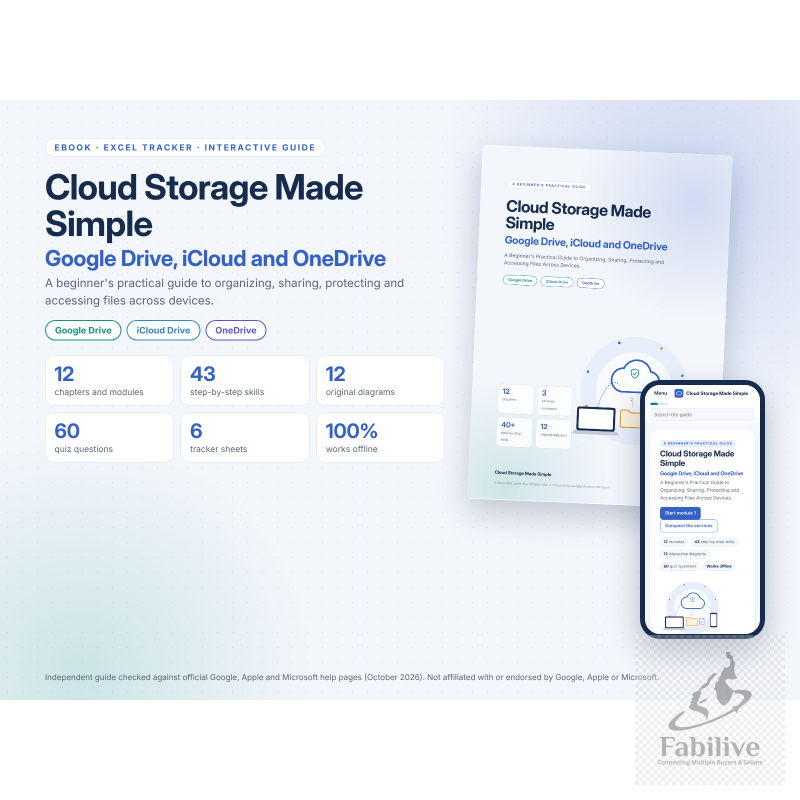
Cloud Storage Made Simple is a beginner-friendly kit that teaches you to organize, share, protect and recover your files across Google Drive, iCloud Drive and OneDrive. Every step is in plain English, with clear visuals. Everything was checked against official Google, Apple and Microsoft help pages in October 2026.
What’s included
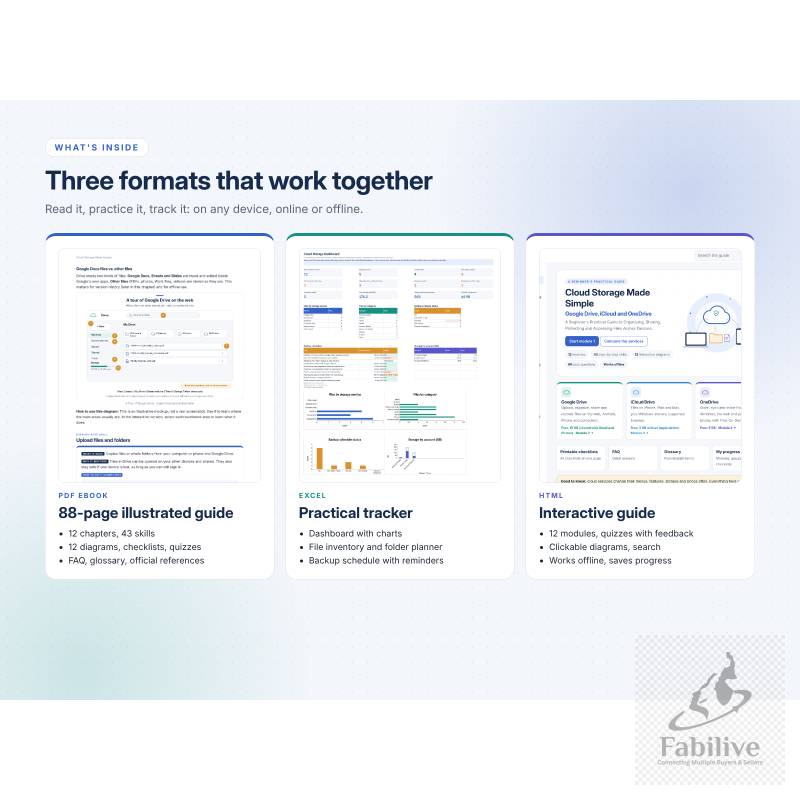
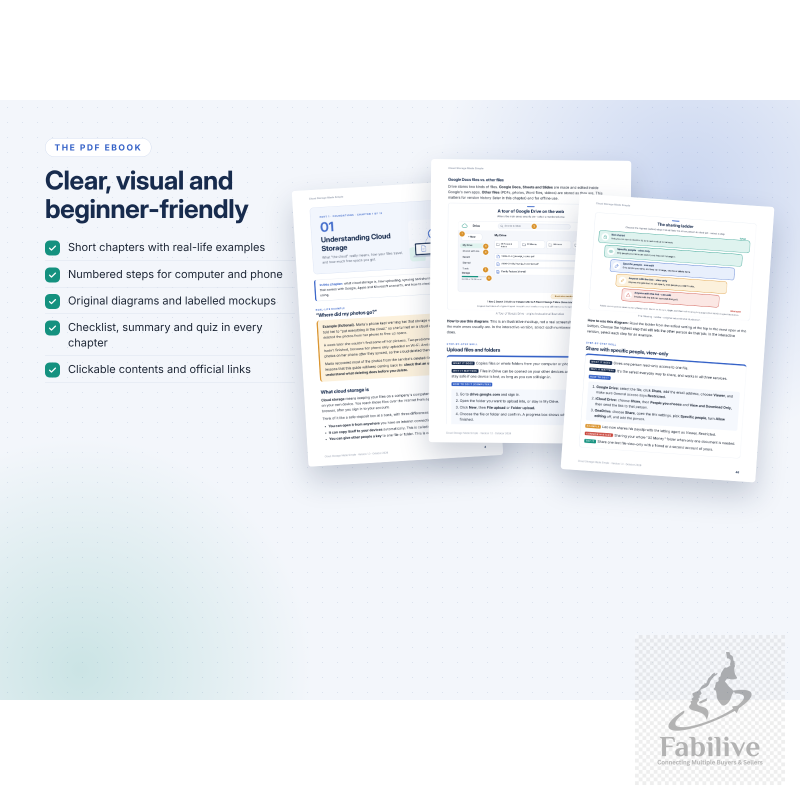
📘 Illustrated PDF Ebook (88 pages)
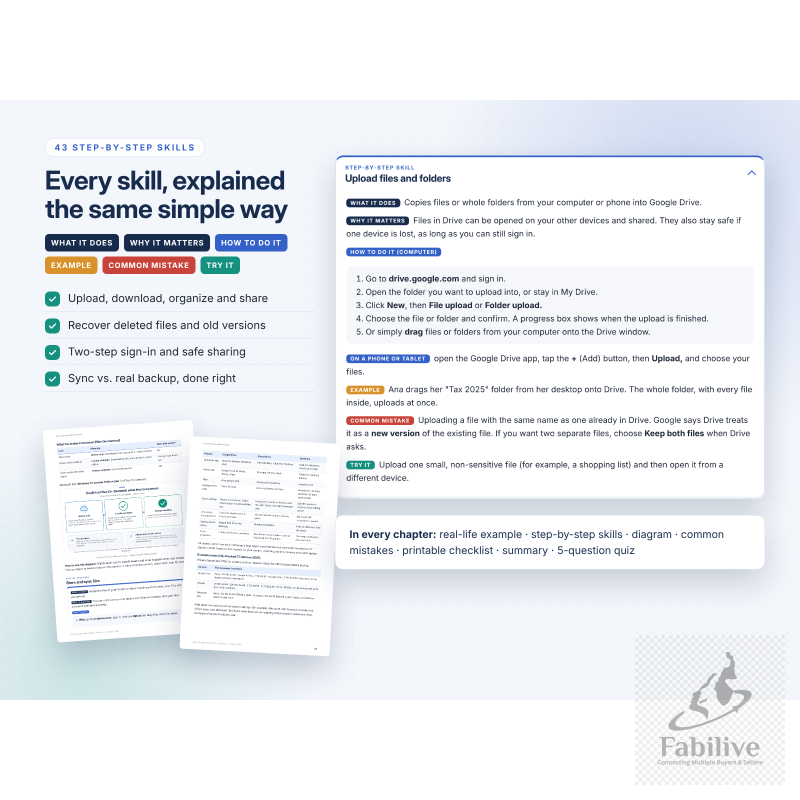
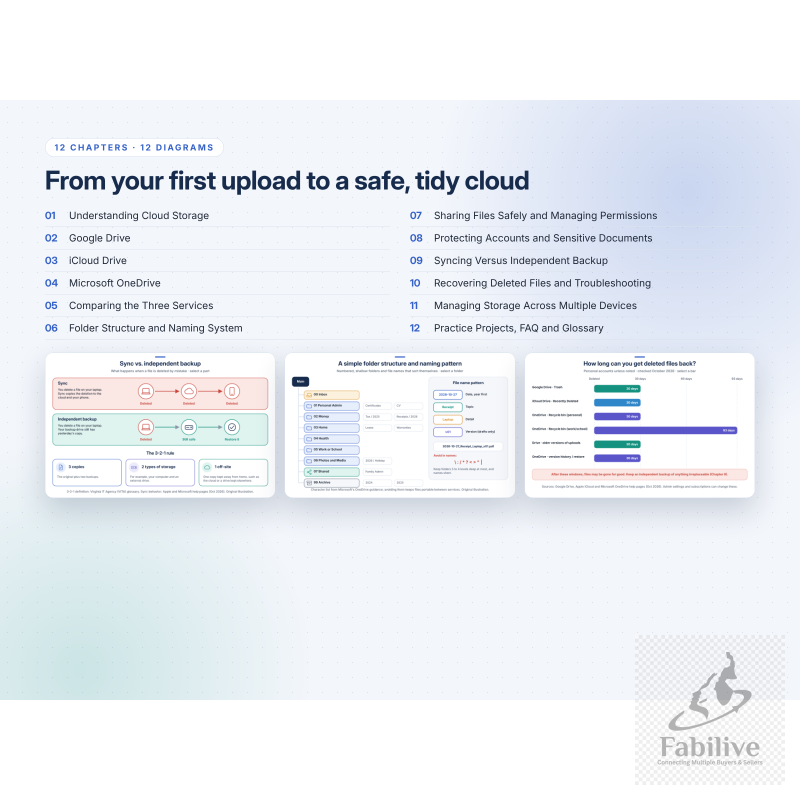
- 12 chapters with 43 step-by-step skills. Each skill covers what it does, why it matters, how to do it, a real-life example, a common mistake and a quick practice task.
- What it covers:
- Uploading, downloading, organizing and sharing in each service
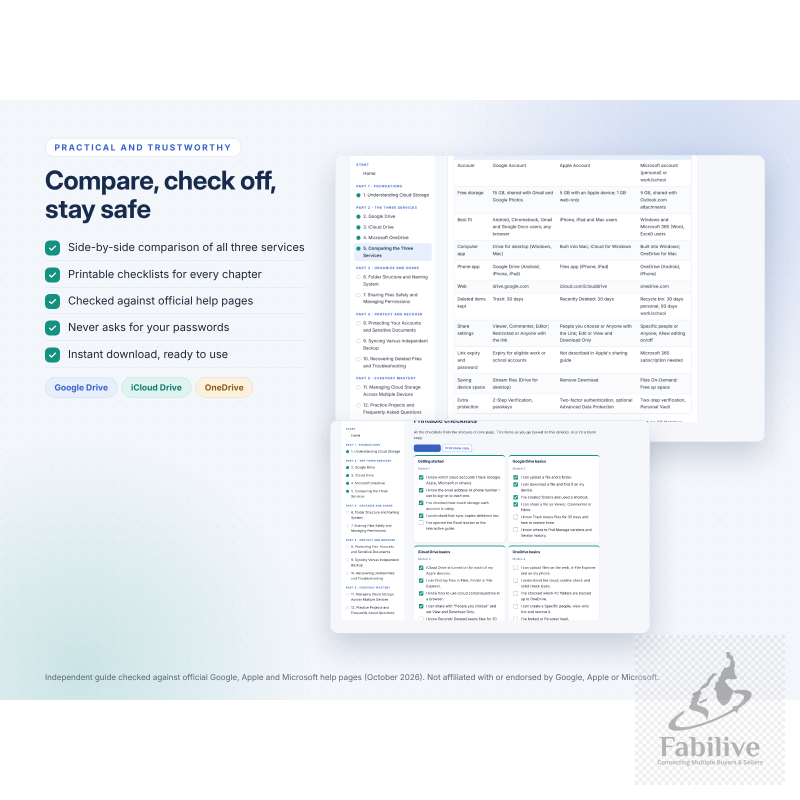
- A side-by-side comparison with storage and prices
- A simple folder and file-naming system
- Safe sharing and permissions
- Two-step sign-in and account protection
- Sync vs. real backup
- Recovering deleted files and troubleshooting
- Managing many devices
- 12 original diagrams, printable checklists, a quiz in every chapter (60 questions with answers), an FAQ, a glossary and clickable official references.
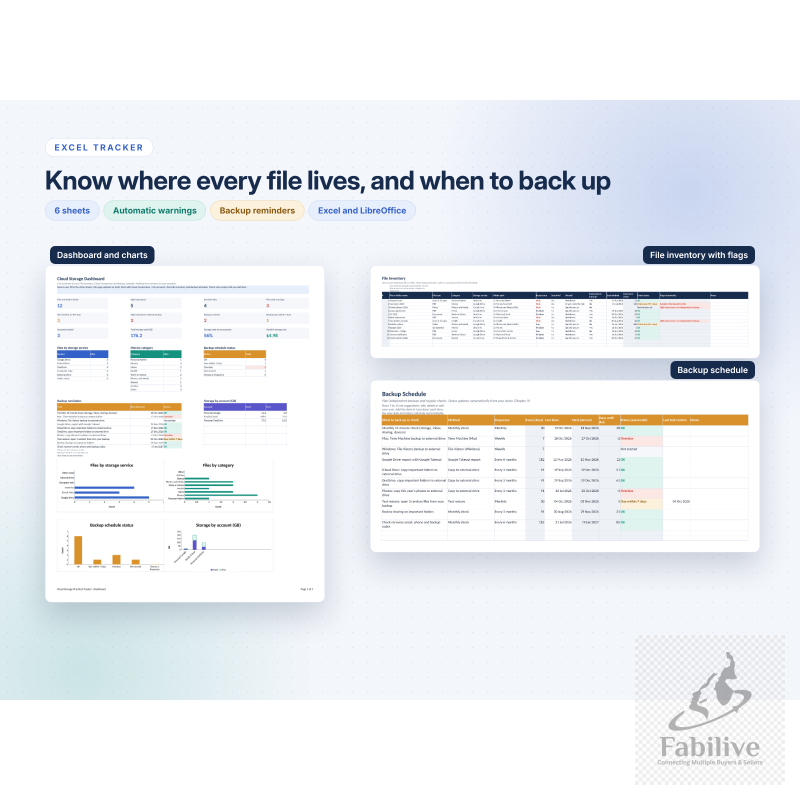
📊 Excel Tracker (6 sheets)
- Dashboard: file counts, warnings, storage use, monthly cost, charts and backup reminders.
- File Inventory: automatic flags, such as “sensitive file shared by link” or “no independent backup”.
- Folder Planner: a smart file-name builder.
- Cloud Comparison: an editable comparison of the services, plus your own accounts with storage % used.
- Backup Schedule: automatic due dates and status (OK, Due soon, Overdue).
- Quick Reference: steps, troubleshooting and security tips.
- Dropdowns, formulas, filters and charts. Works in Excel and LibreOffice.
- It never connects to your accounts and never asks for passwords.
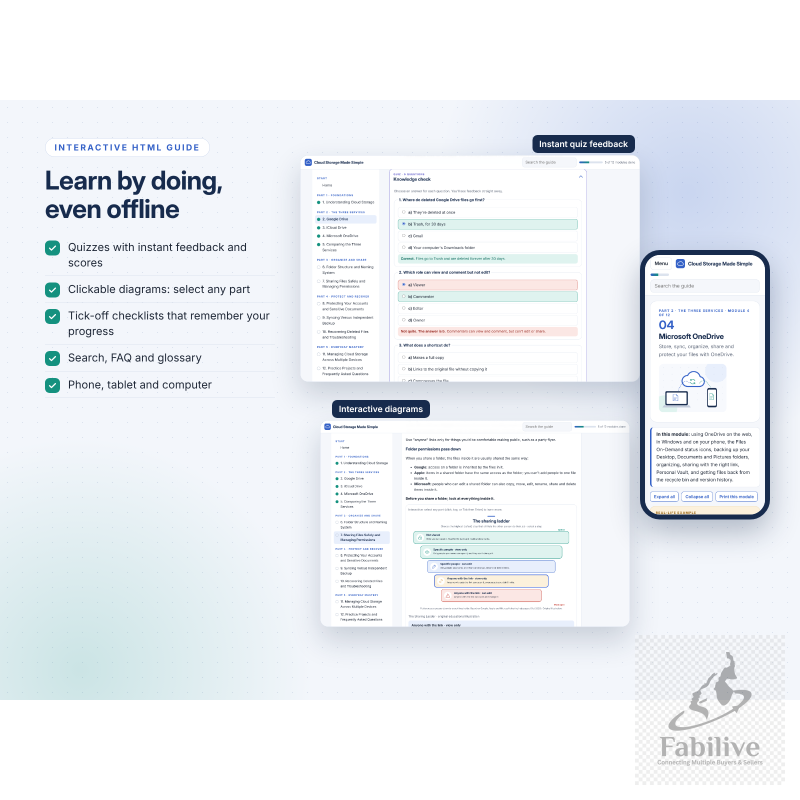
💻 Interactive HTML Guide (works offline)
- One file that opens in any browser on a phone, tablet or computer, with no internet or sign-up needed.
- 12 learning modules, clickable diagrams, quizzes with instant feedback and scores, tick-off checklists, search, FAQ and glossary.
- Printable checklists, plus progress tracking with a reset option.
Perfect for: beginners, busy families, students, seniors, small-business owners, and anyone moving between iPhone, Android, Windows and Mac.
Instant digital download (ZIP). Includes a README with simple instructions.
Independent educational guide. Not affiliated with or endorsed by Google, Apple or Microsoft. Cloud features and prices change; always check the official pages.
No Review Found.
Seller's Product





Login To Comment